
Launch sessions on selected simulators, configure servers, register drivers and save results. Manage your sim-racing venue from a phone, tablet or computer on your local network.
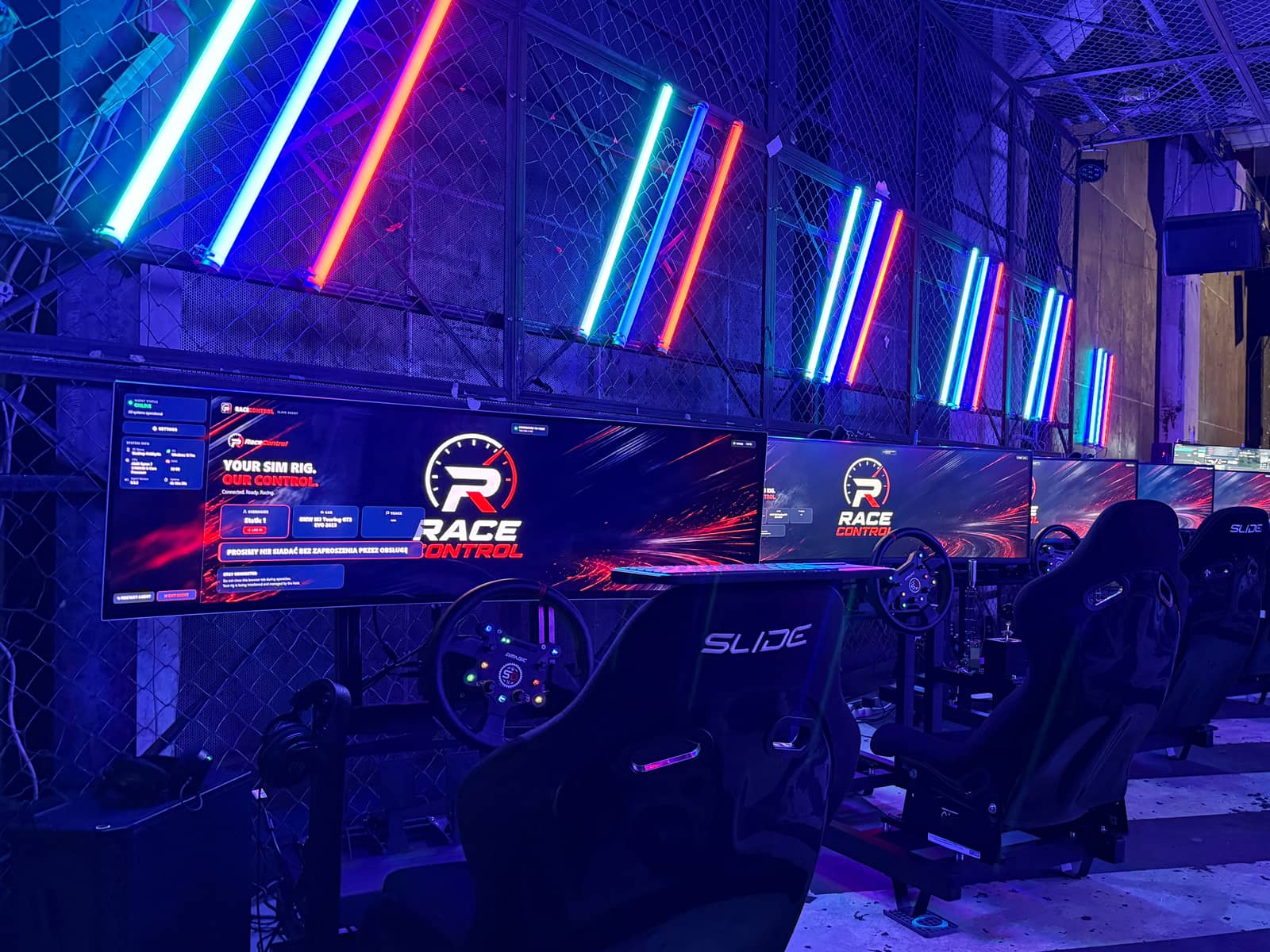
At BMW M Festival 2026 in Gdańsk, one operator used RaceControl to manage five simulators. Over ten hours, 286 drivers took part.
Read the festival report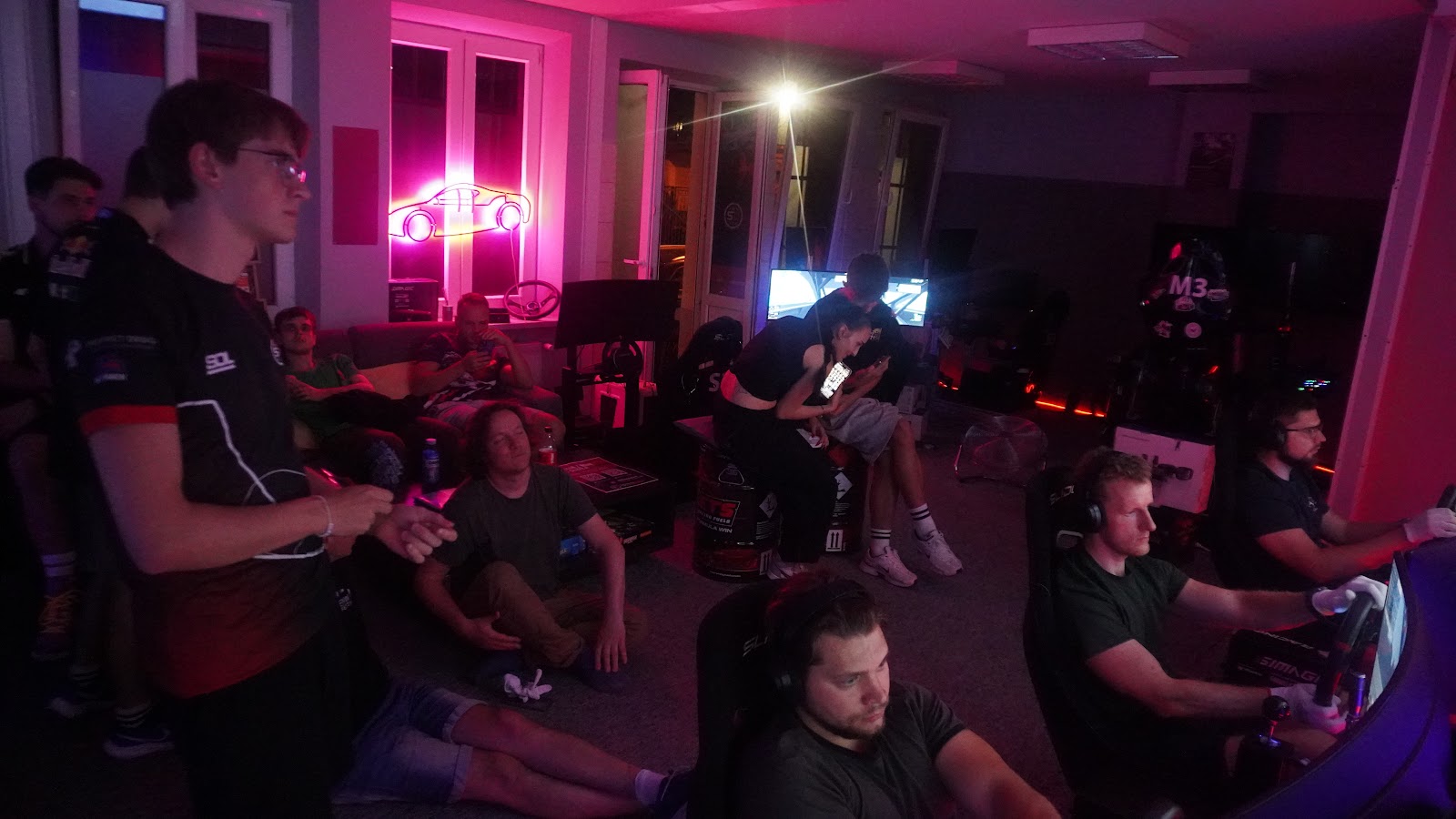
During round 0 of the Kraków Sim Racing League at SimRacingDream, drivers switched randomly assigned simulators between heats. RaceControl let the operator launch each shared session from one dashboard.
Read the league report
RaceControl is used at SimRacingDream, the sim-racing centre on ul. Prochowa in Kraków, for individual sessions, group bookings and competitions.

RaceControl runs the simulators at Beyond Reality Simulations in Georgetown, Indiana, for premium rentals, custom installations, corporate events and parties.
Starting games on separate computers, copying cars and tracks and collecting results takes time. See how RaceControl helps with these tasks.
| Task | Manual / generic venue software | RaceControl |
|---|---|---|
| Start a session on every rig | Walk to each machine, load the car and track, click through the menus. | Choose a car, track and simulators, then launch from the dashboard. |
| Keep content consistent | Copy content manually and check that it is available on each simulator. | View content availability per simulator and copy missing files. |
| Check in customers | Paper forms or a generic booking tool with no link to the rigs. | Customer self-registration with terms and privacy information, connected to the driver list. |
| Save results | Results are overwritten by the next session before anyone copies them. | Captured per rig, previewed, saved and exported to CSV. |
| Monitor computer status | Check each computer separately. | CPU / RAM / disk / uptime per rig, live on the dashboard. |
The Host app runs on one computer, with a companion app on each simulator. Open the operator dashboard in a browser on the same network.
Stores simulator and session configurations, the content library, customer details and results.
Launches sessions, reports simulator status and synchronises content.
Open the dashboard in a browser. Choose the car, track and simulators, then launch the session.
The operator dashboard, results archive and customer registration screens in RaceControl.
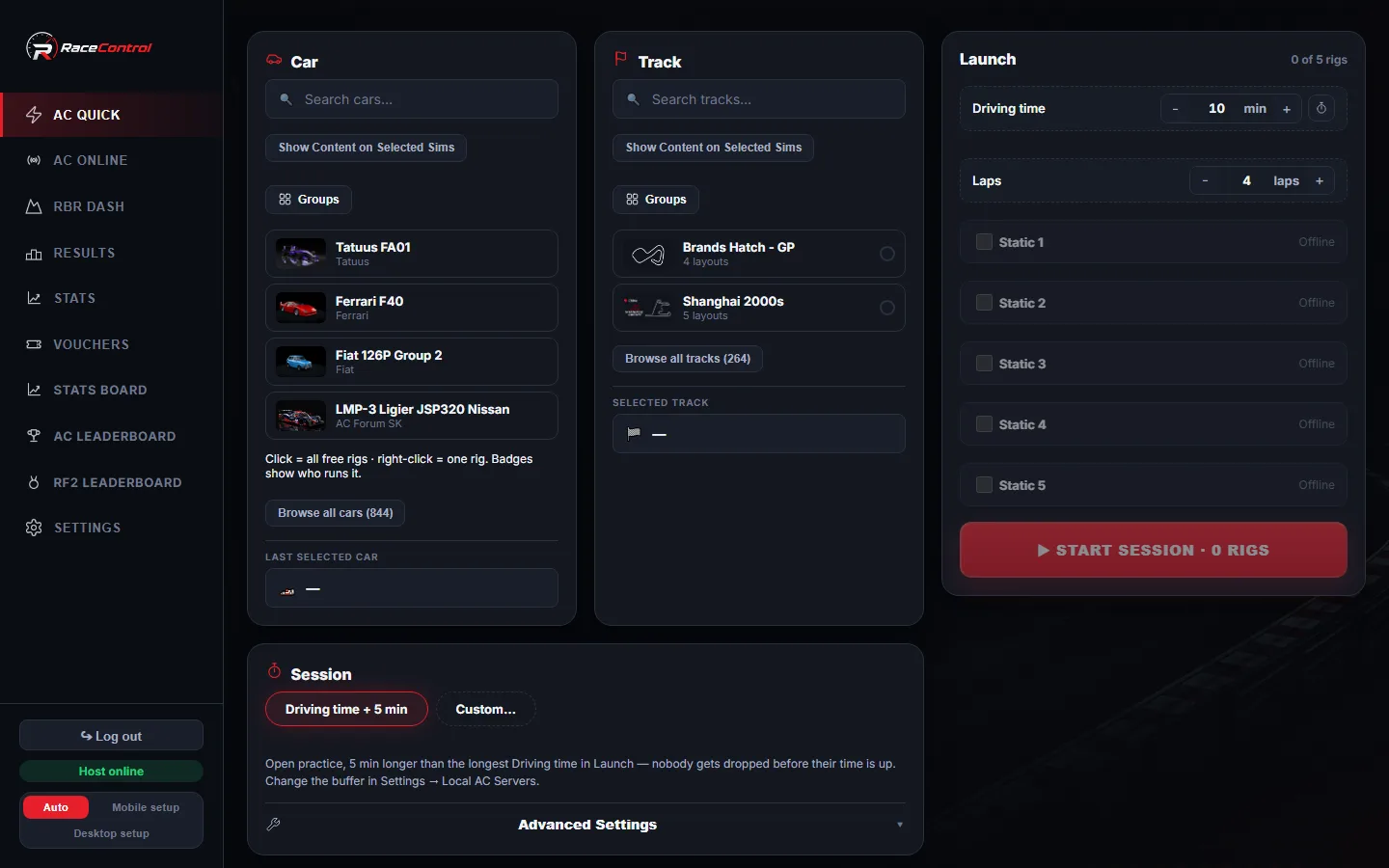
Choose a car and track, select the simulators and start the session. See who is driving and how much time remains.
Launch & sessions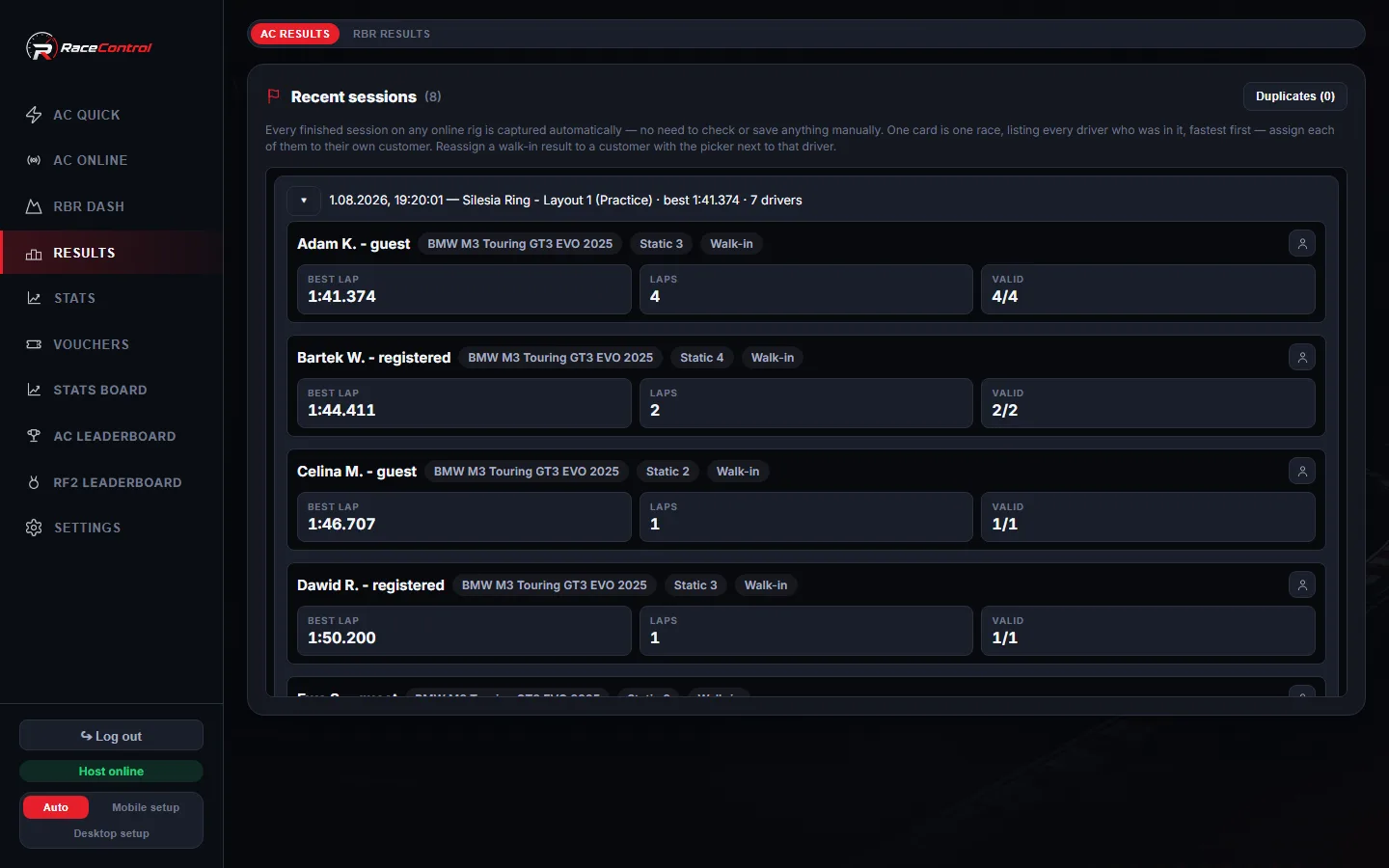
Review lap times, associate results with drivers and export data to CSV.
Servers & results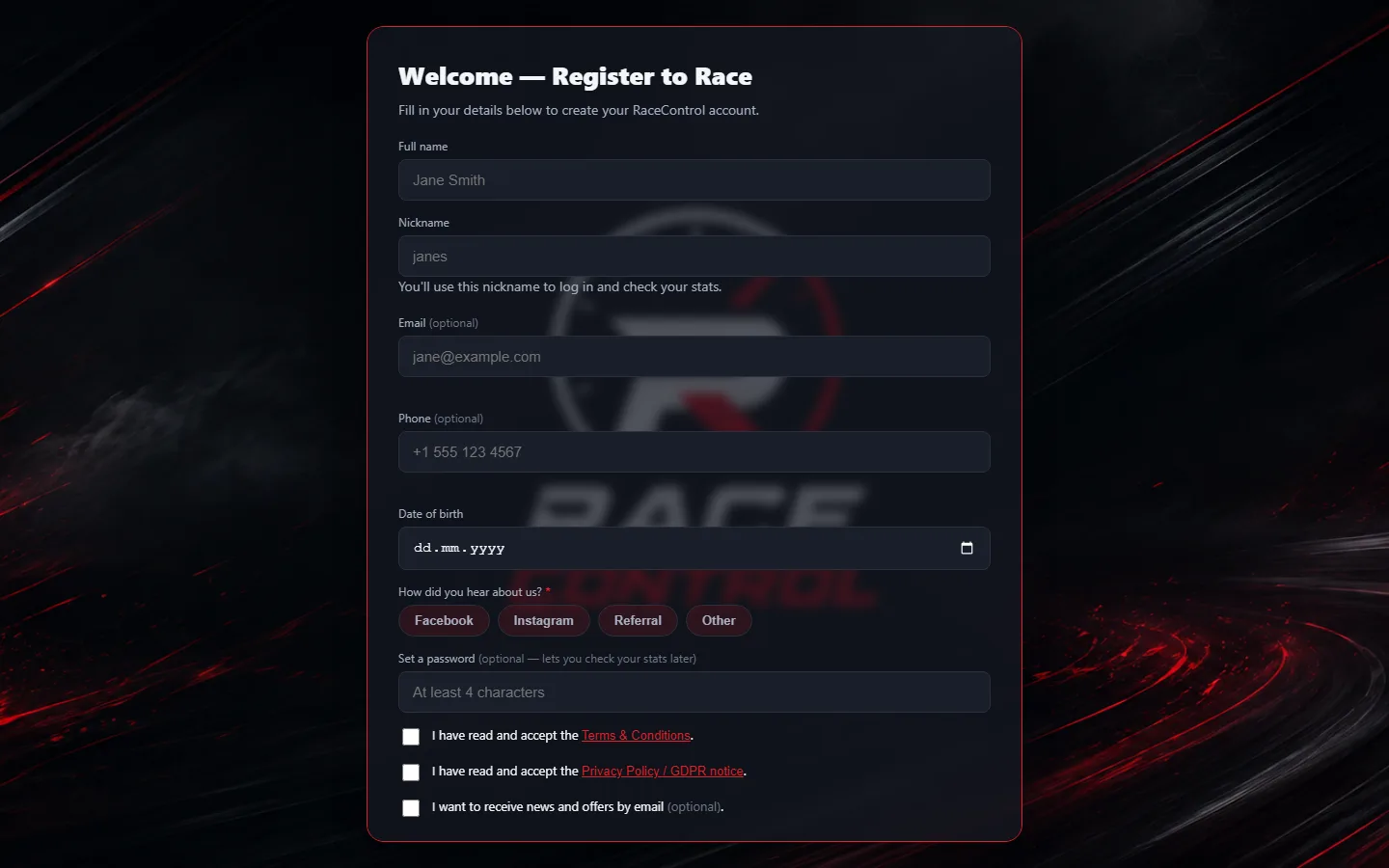
Customers register on a touchscreen and complete the required confirmations. Their details appear in the operator’s driver list.
CustomersTools for everyday venue operations and sim-racing events.

Choose a car, track and simulators. Launch the session and monitor the remaining driving time.
launch & sessions
Check installed content and copy missing cars and tracks between simulators.
fleet ops
Provide a registration form with your terms and privacy information.
customers
Review saved session results and lap times. Export data to CSV.
resultsTell us how many simulators you operate and which games you use. We’ll arrange a demonstration.
Book a demo — michal.grzywaczvrt@gmail.com