
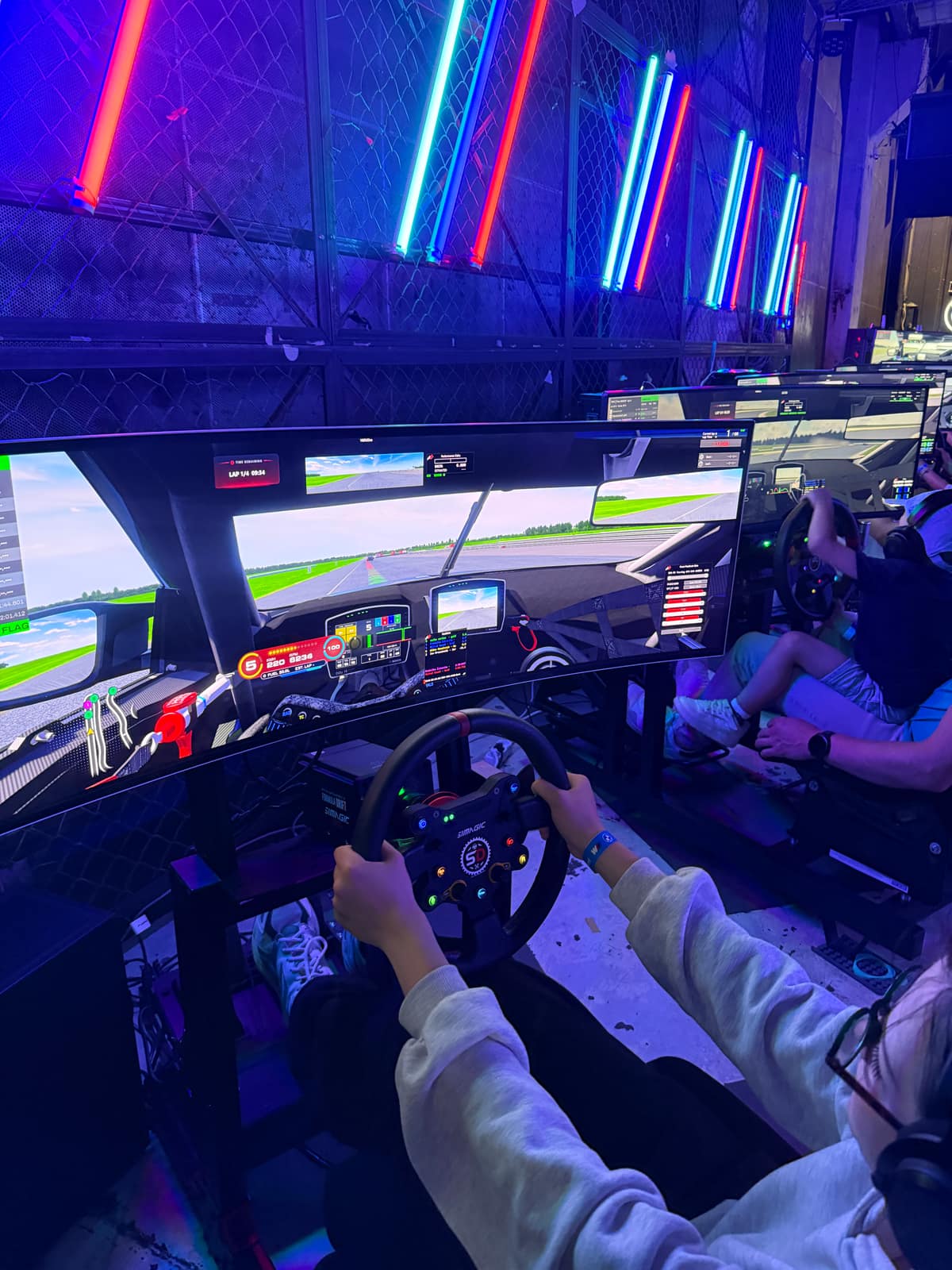
Starting games separately, copying files and collecting results takes the operator’s time. Compare manual simulator operations with managing them in RaceControl.
| Task | Manual / generic venue software | RaceControl |
|---|---|---|
| Start a session on every rig | Walk to each machine, load the car and track, click through the menus. | Choose a car, track and simulators, then launch from the dashboard. |
| Keep content consistent | Copy content manually and check that it is available on each simulator. | View content availability per simulator and copy missing files. |
| Run a dedicated server | Hand-edit server_cfg.ini and entry lists per event. |
Build a preset in the UI; config files are generated for you. |
| Check in customers | Paper forms or a generic booking tool with no link to the rigs. | Customer self-registration with terms and privacy information, connected to the driver list. |
| Save results | Results are overwritten by the next session before anyone copies them. | Captured per rig, previewed, saved and exported to CSV. |
| Monitor computer status | Check each computer separately. | CPU / RAM / disk / uptime per rig, live on the dashboard. |
| Install an update | Update each machine one at a time. | Fleet-wide auto-updater — Host and every rig in one pass. |
Handling bookings and payments is a different task from launching games, synchronising content and recording results. RaceControl provides tools for operating the simulators directly.
RaceControl is installed locally and runs on your venue’s network. It supports Assetto Corsa, Richard Burns Rally and rFactor 2, with different features for each game. It can work alongside your existing booking or payment system.
Explore the full feature list or read how sim-racing venue management software works →
Tell us how many simulators you operate and which games you use. We’ll demonstrate RaceControl.
Book a demo — michal.grzywaczvrt@gmail.com